How to Make a 3×4 cm ID Photo at Home and Print It
· 1 min read
A 3×4 cm photo is needed for many documents: passes, student IDs, application forms and more. You don't need a photo studio — a phone snapshot and five minutes are enough.
Step 1. Take the photo
Stand in front of a plain, light wall, facing a window so the light is even. Look straight into the camera. Hold the phone at eye level, about 1.5 m away.
Step 2. Upload it
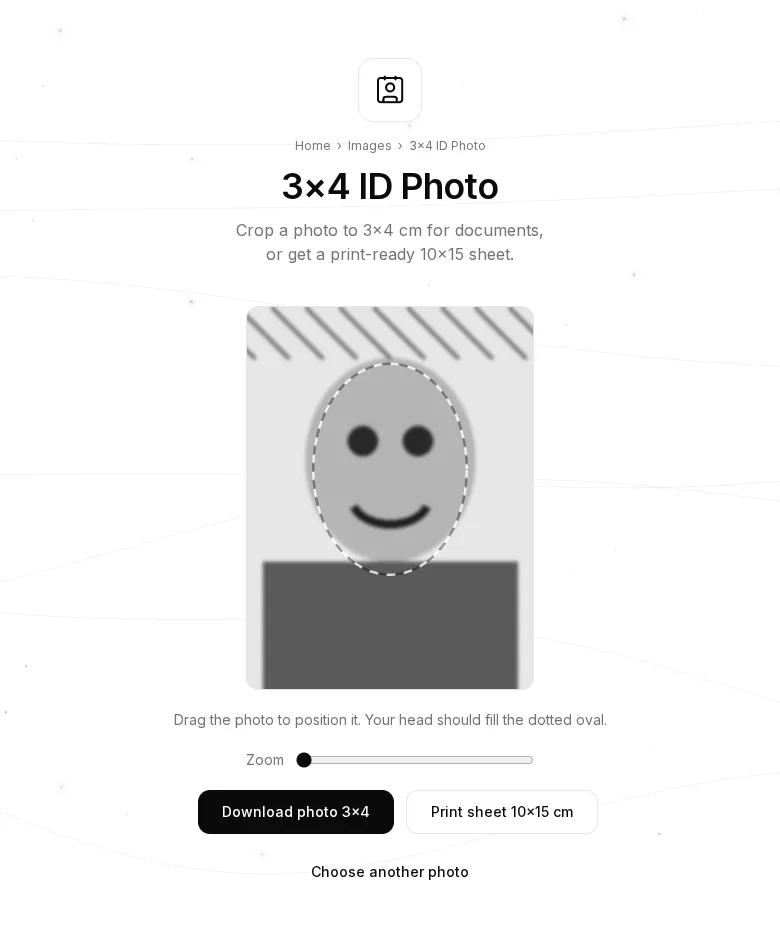
Open 3×4 ID Photo and choose your photo. It appears in a 3×4 frame with a dotted oval.
Step 3. Fit your head in the oval
Drag the photo with the mouse or your finger and use the Zoom slider until your face fills the dotted oval. The top of your head and your chin should touch its edges.
Step 4. Download
- 3×4 photo — one image, exactly 3×4 cm at 300 DPI (354×472 px), to send online.
- 10×15 cm print sheet — 9 photos on one sheet. Print it like a normal photo at any photo lab or at home, then cut along the thin lines.
Tips
- Print the 10×15 sheet borderless and without scaling, otherwise the photos come out smaller than 3×4.
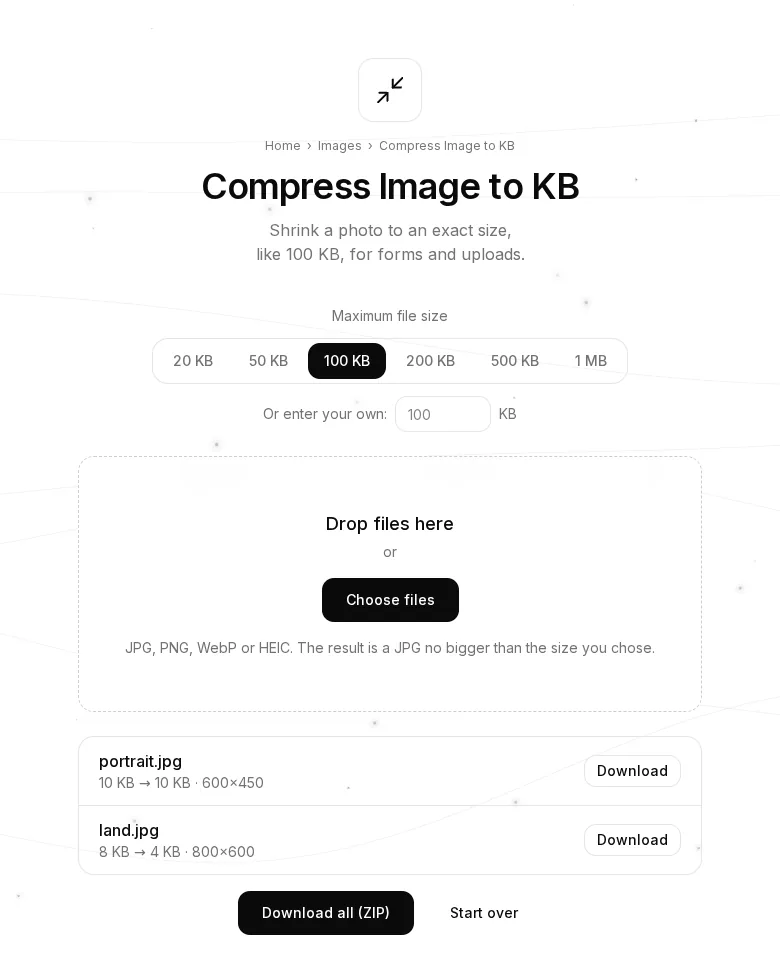
- If a site limits the file size, shrink the photo with Compress Image to KB.
- Before sending, remove hidden data like location and phone model with the EXIF Viewer & Remover.
- Your photo is never uploaded: everything happens in your browser.